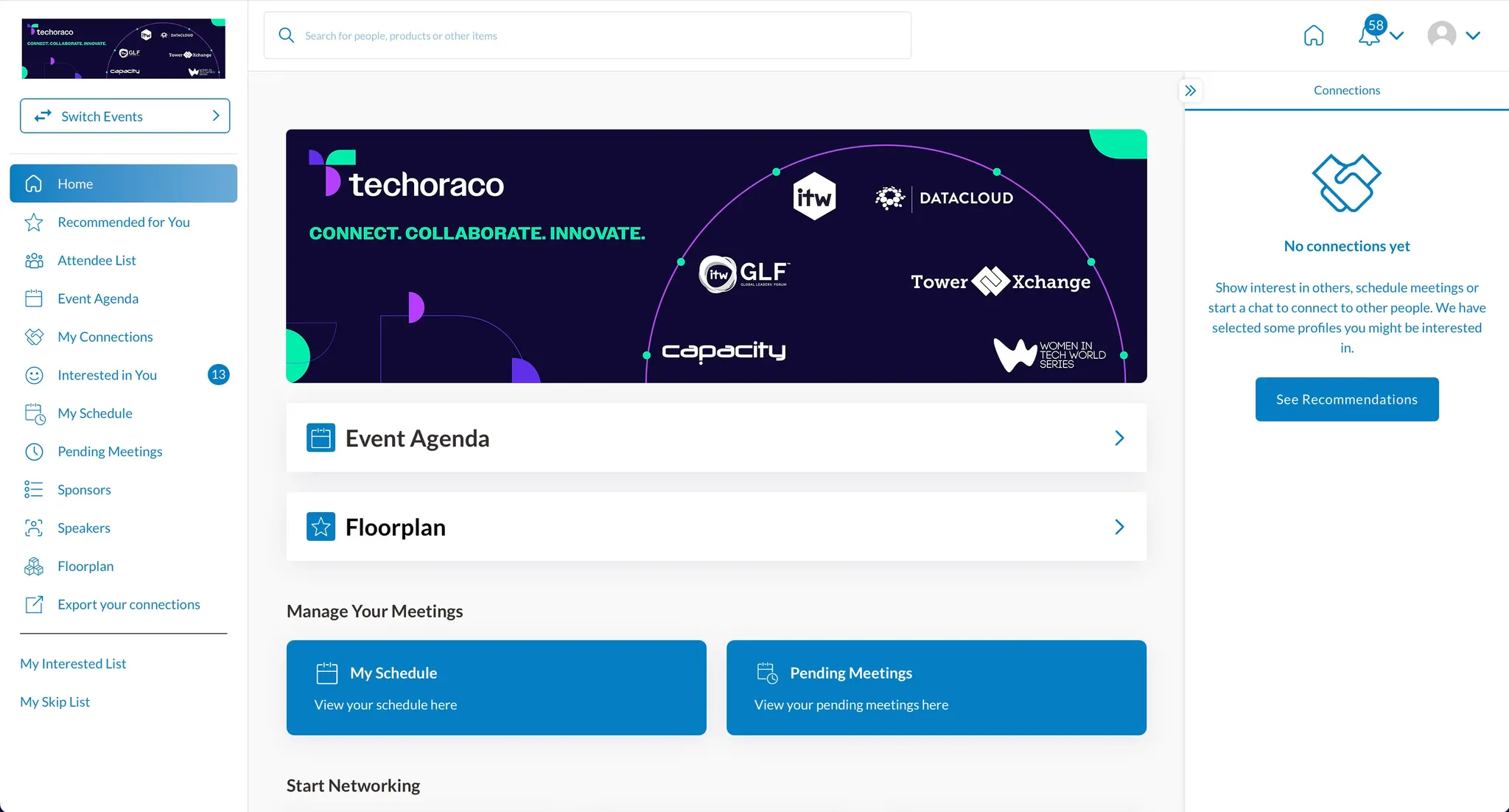
Screenshot of the Techoraco event portal home dashboard, displaying a left navigation menu, a central banner showcasing brands like ITW, Datacloud, Capacity, and Women in Tech World Series, and quick-access buttons for Event Agenda, Floorplan, and Manage Your Meetings.

Datacloud's new and improved networking platform will go live in 2027 for our delegates! Available both as a mobile app and on your browser, networking could not be easier.

Start making those all-important connections ahead of the conference by downloading the techoraco Events App and logging into the networking platform. Registered attendees can log in to begin planning their conference schedule and networking strategy early.

App features:

  • View and filter the attendee list
  • Send personalized connection invites
  • Schedule 1-to-1 meetings
  • Sync event sessions to your personal calendar
  • Direct messaging with other delegates
Maximise your time at Datacloud Latam

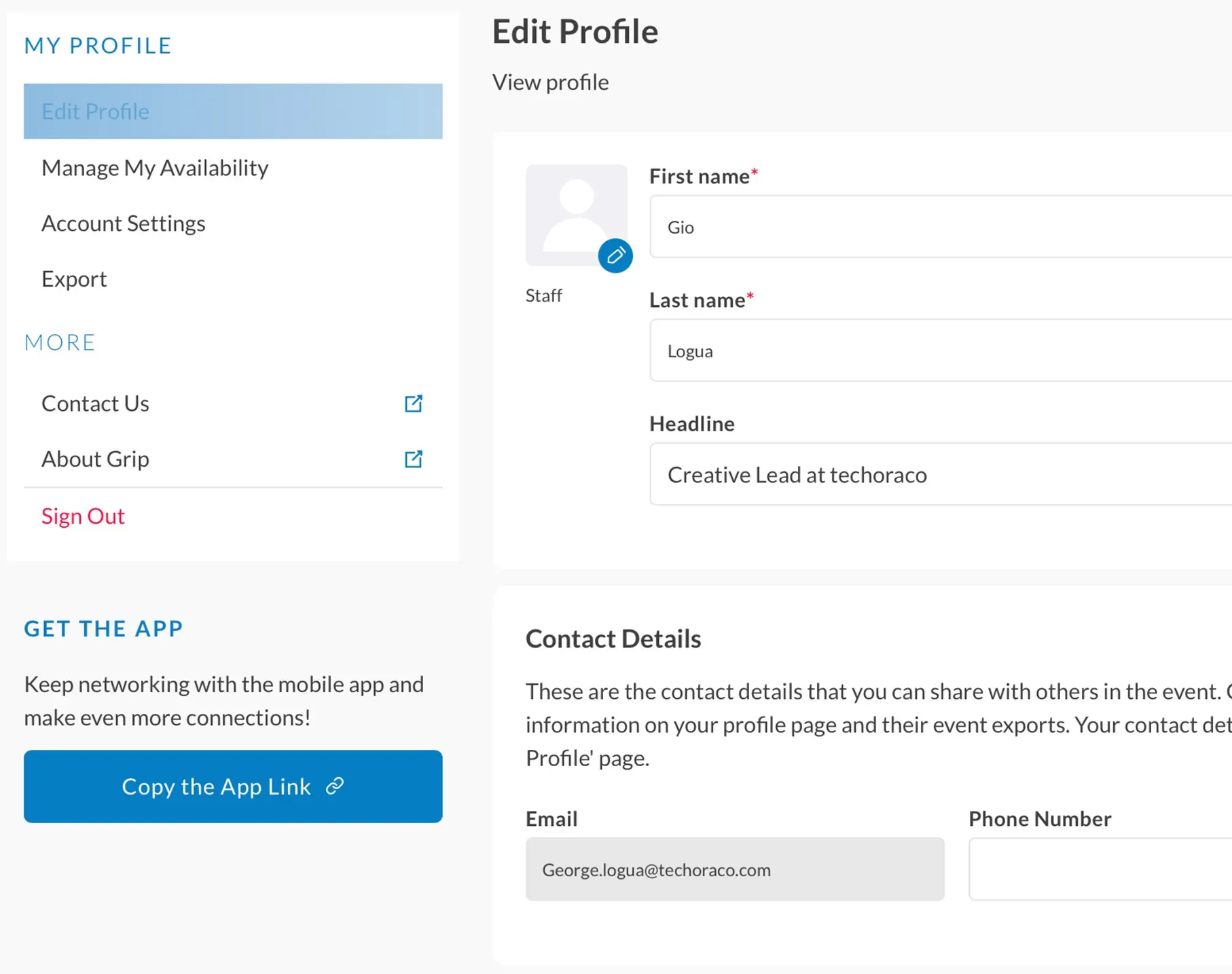
Screenshot of an event platform's Edit Profile page displaying user fields for First Name (Gio), Last Name (Logua), Headline (Creative Lead at techoraco), and Contact Details including Email and Phone Number.

1. Update your profile

Make the best first impression with a profile picture and powerful headline.

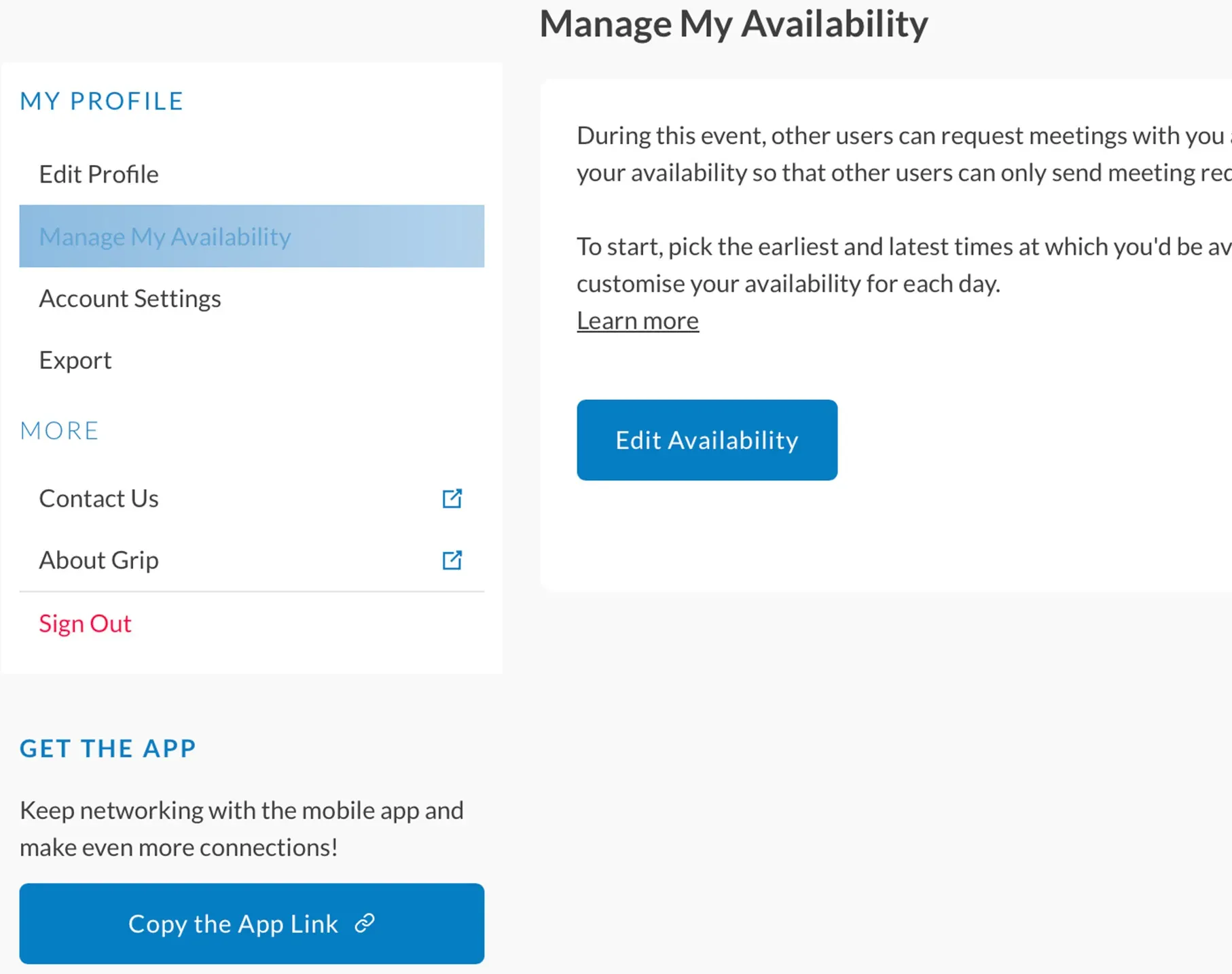
Screenshot of the

2. Manage your availability

Prevent unnecessary rescheduling and meeting conflicts.

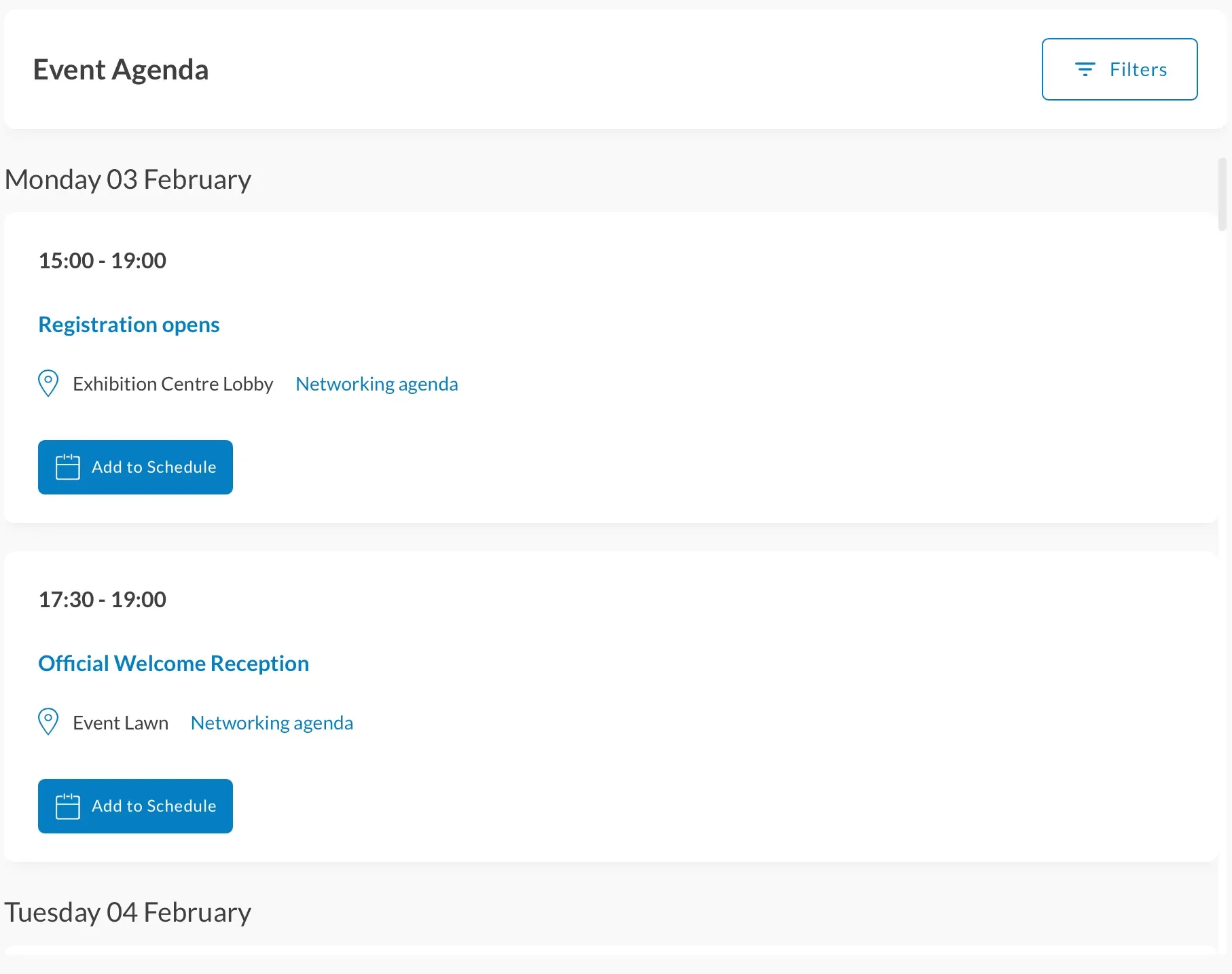
Screenshot of an online Event Agenda showing schedule listings for Monday 03 February, including Registration opens from 15:00 to 19:00 at the Exhibition Centre Lobby and Official Welcome Reception from 17:30 to 19:00 at the Event Lawn, both with

3. Build your event experience

Explore the agenda to further customize your event experience.

Watch the techoraco Events app tutorial

Make sure you check out our handy tutorial for helpful tips on navigating your way round and making the most of the app's features.


You can also access the techoraco Events app on your browser once available.

If you or your team have any questions on how to use the networking app, please contact our dedicated support team: support@grip.events